
Windows Vista Mystery Shares
Originally published at https://holdenweb.blogspot.com/2010/08/windows-vista-mystery-shares.html
 For reasons best known to Microsoft, when I try to delete a folder which has been shared (through the Explorer interface) it takes forever to complete. This would not be so bad if there were just one or two shares, but sadly (for reasons best known to Microsoft) a large number of folders randomly appear to have become shares (see the screen dump of a portion of my home directory at the right). I have no idea how these folders became shared. It certainly wasn't any intentional act of mine, and heaven alone knows what this does to performance.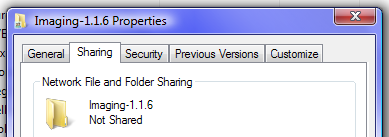
If I had some idea how it had been switched on in the first place that might help, but as with so many other aspects of Windows performance this remains a mystery. If someone cold offer some insight I'd be happy to find out what's going on here.